
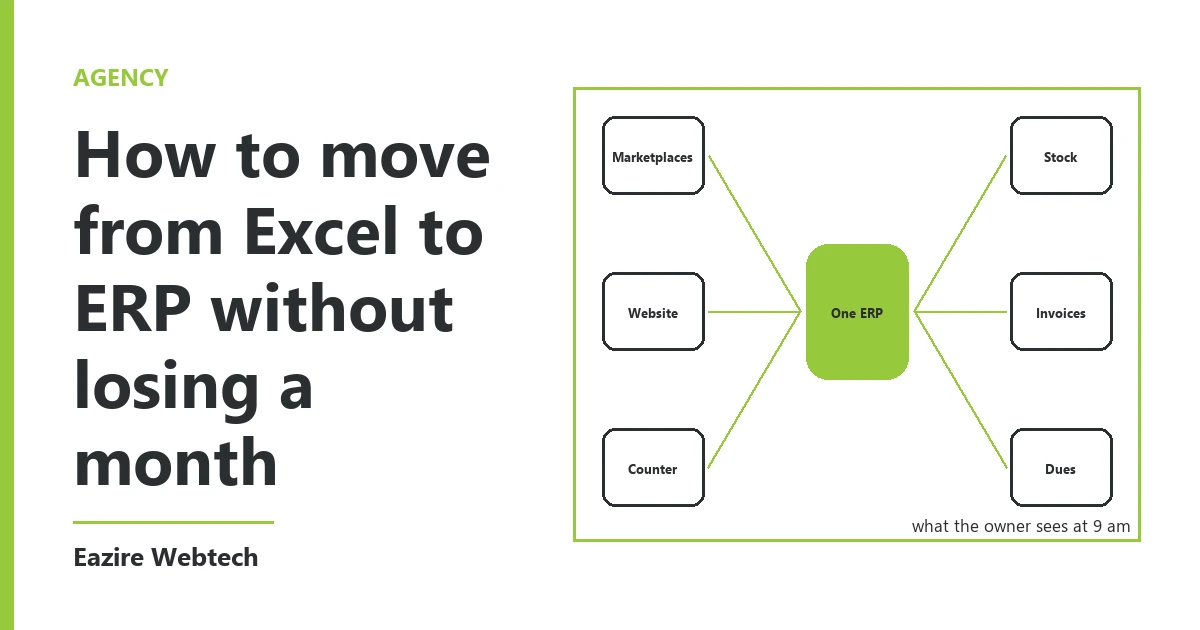
Where the month goes
Owners who move from Excel to ERP tend to lose the month in the same place. It is not the software. The software is the quick part. The month goes in arguing over which sheet is right.
A business that has run on sheets for six years has more than one truth. The stock sheet says one thing. The godown register says another. The accountant has a third file at home. Each one was right on the day somebody made it. They do not agree today.
So the plan we use has three weeks and one rule. Week one cleans the lists. Week two loads them and checks them. Week three runs the old and the new side by side. The rule is that nothing moves until the list before it is finished.
Before you start, write every sheet you use on one page, with the name of the person who keeps it. That page tells you who needs to be in the room.
Move the item list first
Every other record points at an item or a person. A bill is an item sold to a person. A stock count is items on a shelf. If the item list is wrong, everything loaded after it is wrong too. So the item list goes first, then customers and suppliers, then opening stock, then opening balances. We do not change that order.
Clean the list before it moves. Keep only what you bought or sold in the last 12 months. Leave the rest behind on a separate tab. We often find one item under three names, such as blue pen, pen blue and pen B. Pick one name and merge the rows.
Each row needs the item name, the unit, the tax rate and the rate you sell at. Decide the unit now. If you buy by the box and sell by the piece, the system must be told how many pieces are in a box. When a stock figure is badly wrong in the first week, this is the first place we look.
Customers and suppliers come next. One row each: name, phone, GST number if they have one, and credit days. The same 12 month rule applies, except that anyone who still owes you, or whom you still owe, stays on the list.
Old bills do not move. Loading three years of invoices takes weeks and gives you nothing you will use every day. Load only the bills still unpaid. Keep the old files in a locked folder, where your accountant can open them at audit time.
Pick the date before you load anything
The new system needs one start date. We use the first day of a month, so each GST return comes from one place and each month's accounts have one source. That date is the first day of week three. Count back two weeks from it and begin cleaning the lists.
Do not begin in your busiest month. A shop should not start in the festival rush. A supplier to schools should not start in April.
In week two, load the lists and do a practice load of the balances, using last month's closing figures. It will throw up errors. This is when you want them, while nobody depends on the answer.
The real load happens on the evening before the start date. Close the day. Those figures are your opening balances, and no others count.
How we check the opening balances
There are five numbers to check: stock, money owed to you, money you owe, bank and cash. Each one is checked against something outside the sheet, because a sheet cannot check itself.
Stock is checked against the shelf. If you have under 300 items, count them all on the closing evening. If you have more, count the 50 items that hold the most money, then pick 20 others at random. If more than 2 of those 20 are wrong, count everything.
Money owed to you is checked against your customers. First, the total in the system must match the total in the sheet to the rupee. Then take the ten largest balances and send each customer the figure. Their reply is your proof. Suppliers get the same check, and for them we use their own statements where we can get them.
The bank figure is checked against the bank statement for the closing date. Cash is counted in the drawer by two people.
The last check is one we look for in every system. When balances do not add up, the software often parks the gap in a holding account, usually with a name like opening balance difference. That account must read zero. If it shows any figure, something is still wrong and the start waits.
The person who loaded the figures should not be the person who checks them. When the checks are done, your accountant signs the page.
The week both run side by side
For one week, every bill goes into both places. The person who kept the sheet keeps it as before. Someone else enters the same bill in the new system. If you have only one person, they do the second entry at the end of the day.
Each evening, take 15 minutes and compare three things: the day's sales total, the cash in hand, and the stock of five items you chose that morning. Write each gap in a notebook, with the reason beside it.
Gaps come in two kinds. One is a typing slip, which you correct and forget. The other is a wrong setting: a tax rate, a unit, a rounding rule. Fix those the same day, because they repeat on every bill until you do.
The week passes when the last three days match and no gap is left unexplained. If they do not match, add three days. Do not add a month. We have seen side by side runs stretched for weeks, and by the second week the staff have stopped filling one of the two with care. Then you are comparing a real record with a tired one.
When the week passes, make the sheets read only. Move them to a folder with the date in its name. Nobody types in them again. Owners put this step off more than any other. If one sheet stays alive, you will have two truths again within three months.
What waits for later
Move stock, billing and accounts first. Payroll, production planning and the rest wait until one month has closed cleanly in the new system. Each of them is a small move of its own, with the same steps.
Name one person from your team as the owner of the move, and give them two hours a day for those three weeks. A move done in the gaps between customers is the one that takes a month.
The one thing we would ask you is this: which sheet would stop your business for a day if it were gone tomorrow, and who is the only person who can read it?
To have us move your sheets into an ERP, start from our services page.